Find Any Policy in Seconds
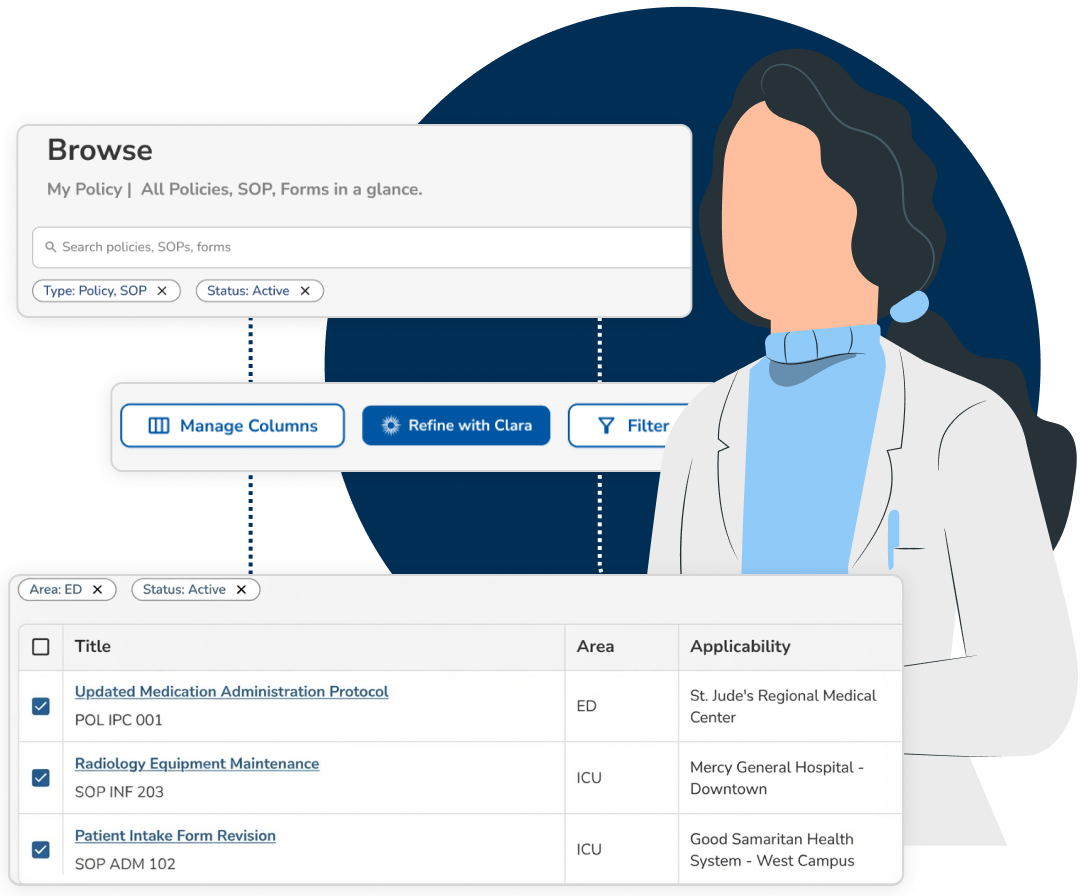
Search that understands what you mean, not just what you type. From any phone, tablet, or workstation, staff pull up the exact policy they need, during rounds, at the bedside, or mid-survey. No folder digging, no guessing file names.
One Library. One Current Version.
Search is only as good as the library behind it. Every policy lives in one governed store with one active version, one named owner, and access set by role, so what staff find is what they are supposed to follow.
Search beyond policy titles
Search by topic, requirement, regulation, or keyword to instantly discover every policy containing relevant information. Clara surfaces the most relevant matches, not just document titles.
Found a policy close to what you need? Start a new draft from it.
See why it matched
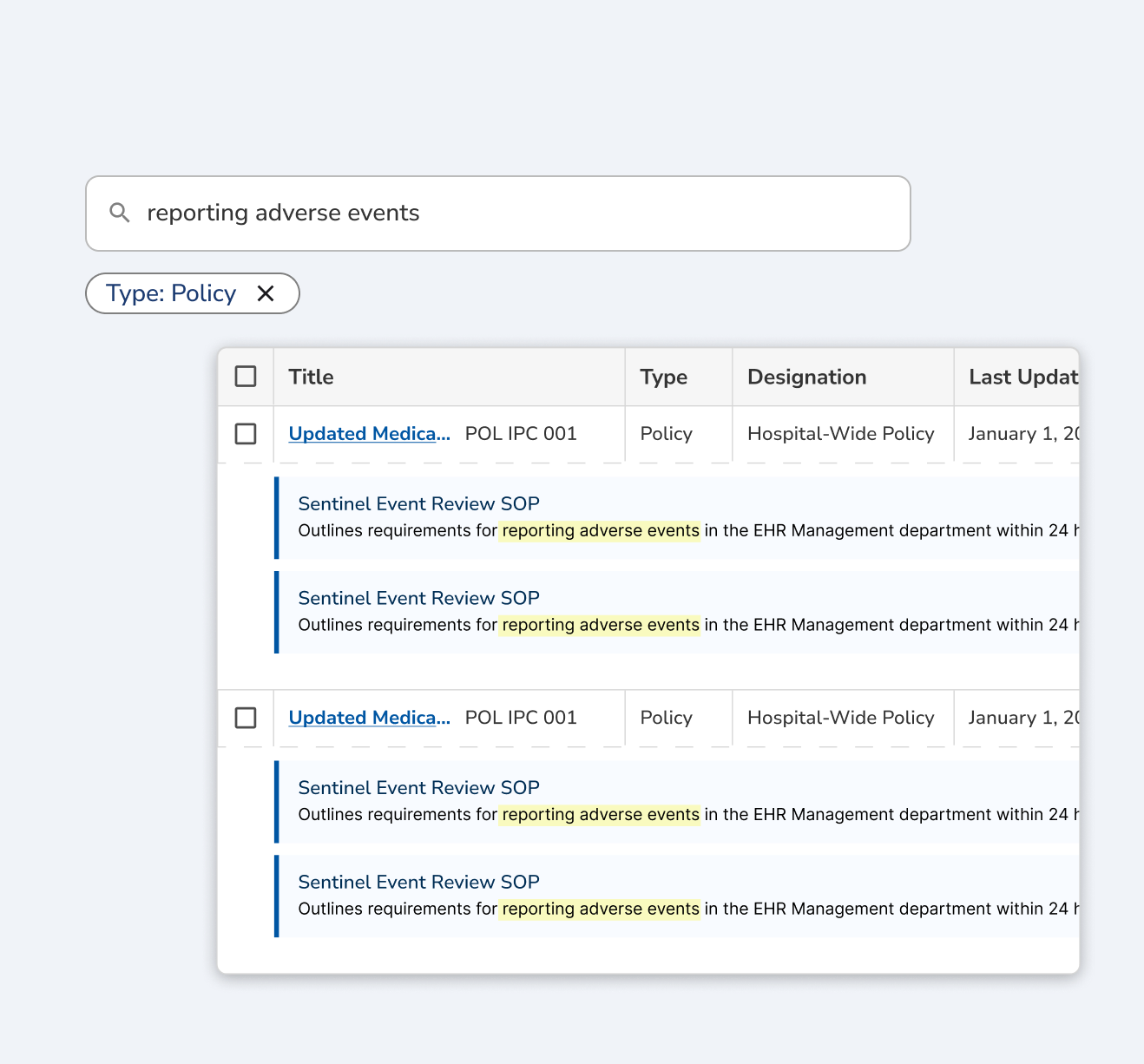
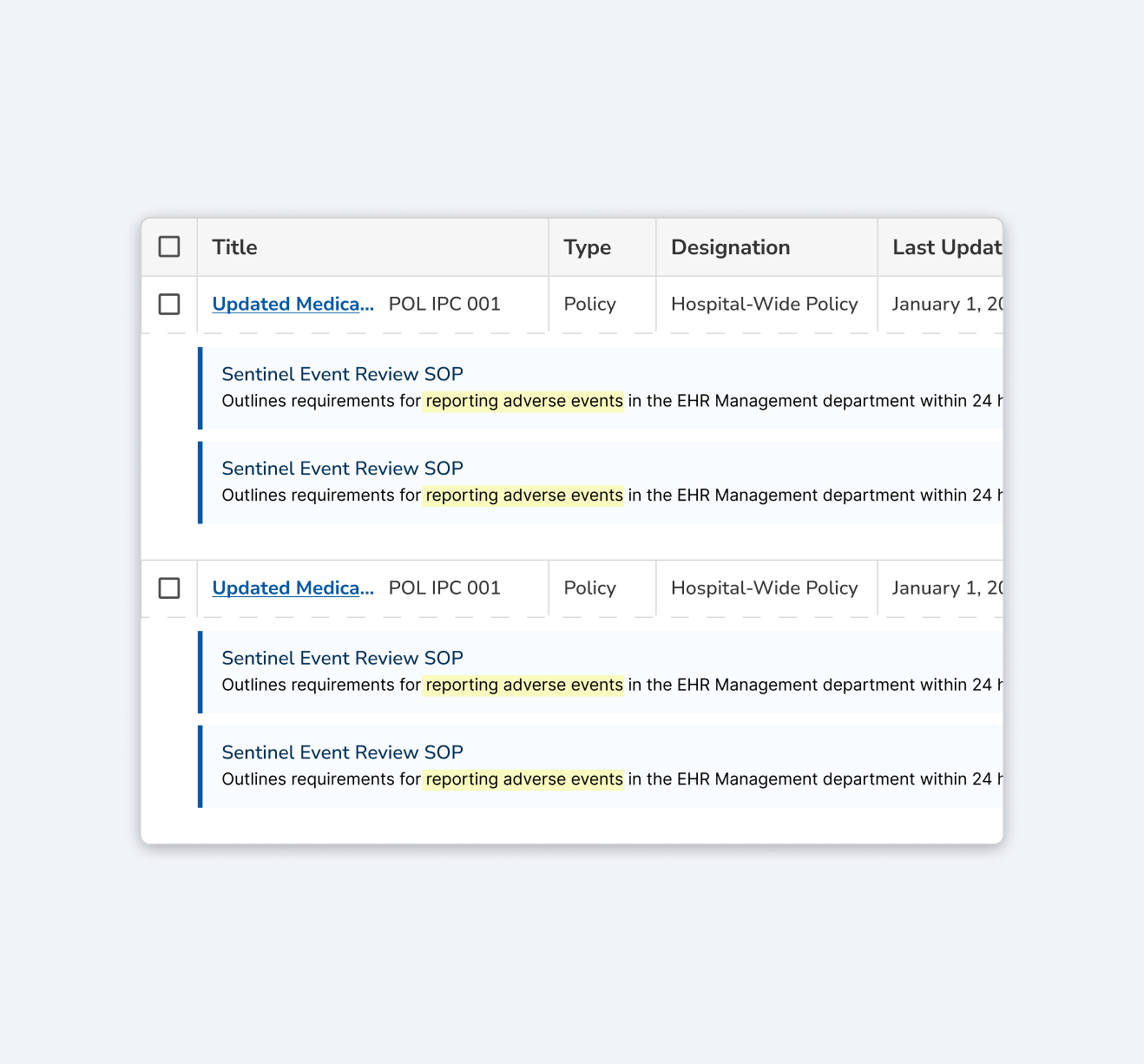
Results show the passage that matched and the confidence behind it, so you can tell a direct hit from a near miss without opening six documents.
Search returns the current approved version. The full version history, diffs, and change log sit one click behind it.
Filter with ease
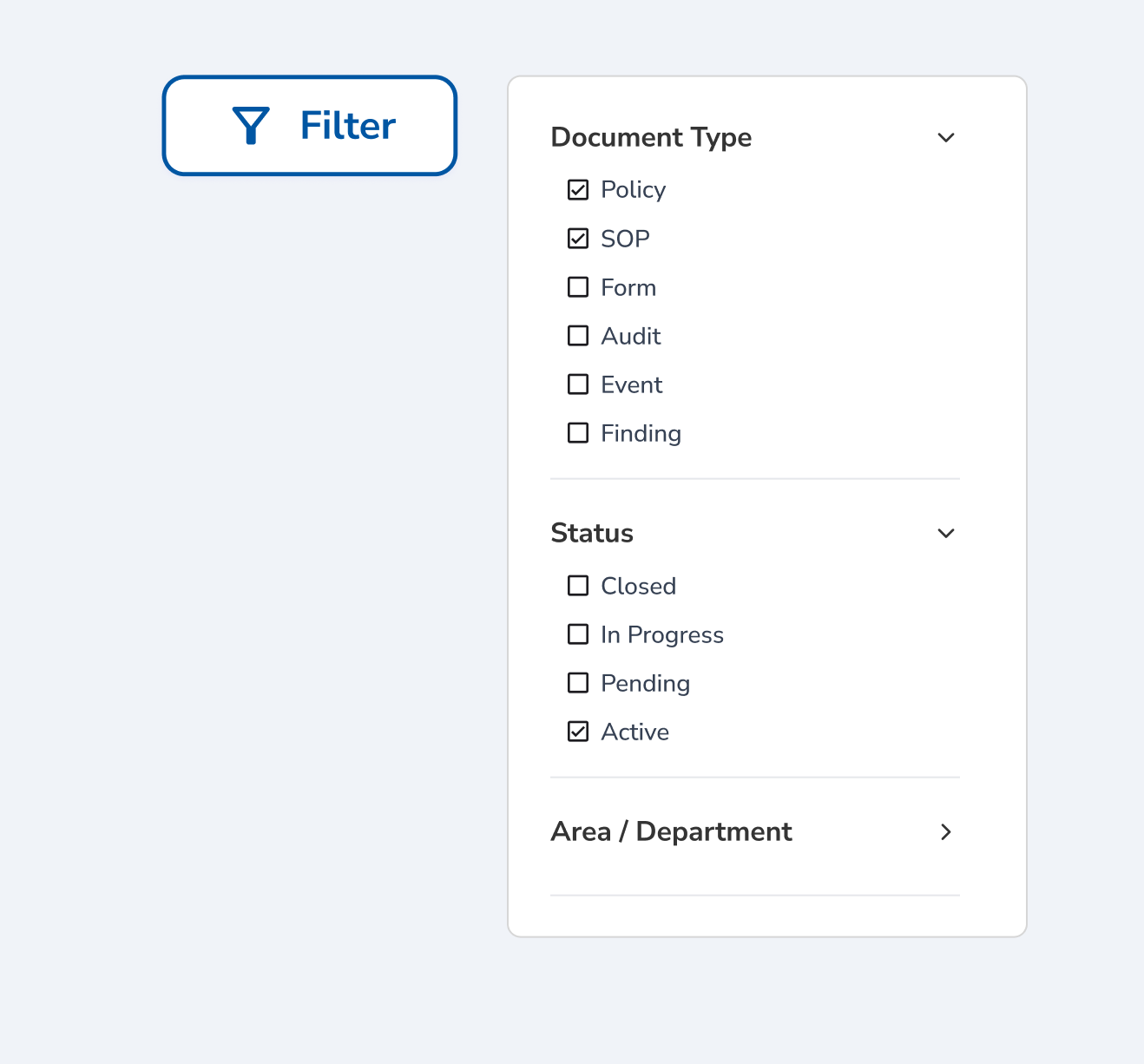
Narrow the library by owner, area, approval flow, or status until you are looking at the handful of policies you actually need.
Staff can read and acknowledge a policy from the same screen they found it on.
Related
How Clara AI Enhances Policy Search
Staff do not search the way documents are named. Clara matches meaning instead of keywords, classifies every policy as it enters the library, and shows you the passage that answered your question, while you decide which version is authoritative.

CLARA
Clarity in complianceClara reads
Clara proposes
Clara points you to the document. You open the current approved version and judge the fit yourself.