The Report Sends Itself
A report nobody remembers to run is a report nobody reads. Build it once in Relevance BI, set the cadence, and it arrives in the right inboxes on schedule, pulling current data every time it goes out.
Set It Once. It Keeps Arriving.
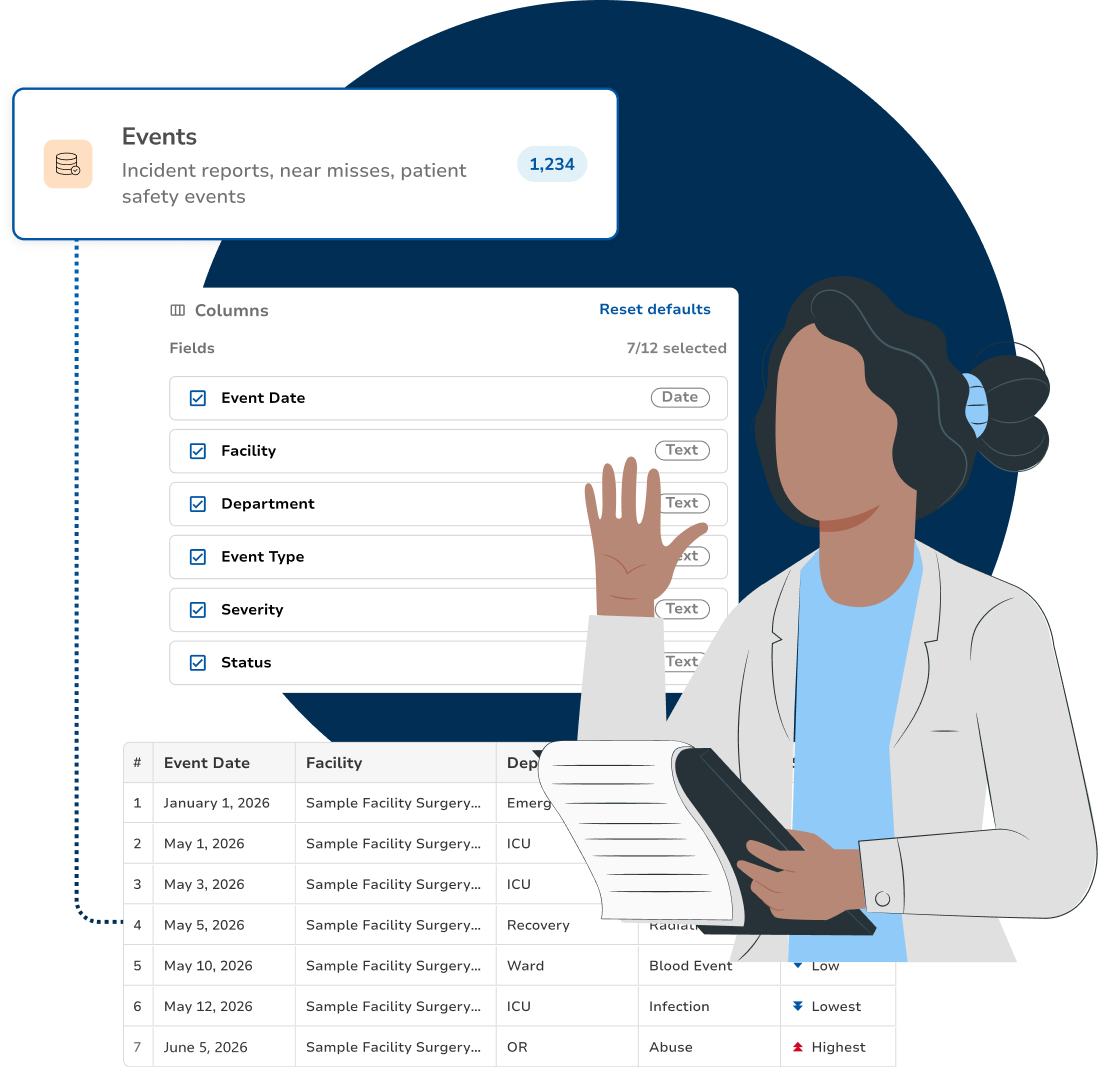
The report you already built becomes the template. You choose who receives it and how often, and the platform runs it and sends it without anyone opening the builder again.
Any Saved Report Becomes a Schedule
Start from a report you have already built and saved. There is no second tool and no separate template to keep in sync, the definition that runs on demand is the definition that runs on a schedule.
Pick the Cadence
Daily, weekly, monthly or quarterly, timed to the meeting that needs it. A packet that lands the morning of the committee gets read; the same packet a week late gets filed.
Send It to People, Not Just Yourself
Add the recipients who actually need the numbers, a department head, your committee chair, an executive sponsor. They get the report where they already work instead of asking you to re-run it for them.
Every Send Pulls Current Data
The schedule re-runs the report against live platform data, so each delivery reflects where things stand that morning. Nobody circulates a three-week-old extract by accident.
Change the Schedule, Not the Report
Adjust the cadence, add a recipient, or pause a send without touching the report definition underneath. The fields and filters stay put, so the numbers remain comparable across every delivery.
The Schedule Is on the Record
What went out, when, and to whom is kept with the report. When somebody asks whether leadership was told, the answer does not depend on searching an inbox.
Related
- Reporting & DashboardsA schedule runs a report you built first. The builder, filters and layout live here.
- BenchmarkingSend a peer comparison on a cadence. The cohort rules behind it are here.
- Ontology LayerOne scheduled report can span audits, events, policies and vendors.
- AutomationsSending a report is one handoff. The others your team repeats by hand become rules.
How Clara AI Enhances
Scheduled Reports
Describe the report and the rhythm you need it on, and Clara sets up both. You review the fields, the filters, the recipients and the timing before the first send goes anywhere. Clara drafts the schedule; you sign it off.

CLARA
Clarity in complianceClara reads
Clara proposes
Nothing goes out until you confirm the cadence and the recipient list, and you decide when a schedule retires.